Images you talk into existence.
A chat, not a form. Describe the image, watch it render, then refine it in your next message. The thread is saved, so a good direction is never lost between sessions.
- Chat-style generation
- OpenAI gpt-image and more
- On-brand by default
AI image studio, The SocialCTL AI image studio is a chat-style workspace for generating images: you describe the shot, pick a model such as OpenAI gpt-image, and refine the result turn by turn in the same thread. Every image inherits your brand kit, and the conversation history is saved, so the studio feeds your statics, product shots and carousels without re-briefing.
Conversation, not forms
Ask for the image in plain language, then refine it in follow-up messages instead of retyping a prompt from scratch.
Model choice
Route each generation to the model that fits the shot, with OpenAI gpt-image among the options.
Brand-aware output
Your palette, fonts and visual direction come from the brand kit, so images land on brand without extra instructions.
Refine by replying
The second message is where it gets good.
First results are a starting point. Because the studio is a conversation, you steer with replies: swap the background, tighten the crop, make it moodier. The model keeps the context of everything you said before, so each turn builds on the last.
- Iterate in-thread — Each reply refines the image with full context of the conversation so far.
- History saved — Threads persist, so you can return to a direction that worked and continue it.
- Real image files — Every generation is a downloadable image ready for the feed.
What teams make with it.
Static posts
Single-image posts generated and refined in minutes.
Product shots
Clean product imagery without booking a photoshoot.
Carousel slides
Visuals that slot straight into your carousel decks.
Brand visuals
Backgrounds, textures and hero images in your palette.
From idea to image.
Describe the shot
Tell the studio what you need, in plain language.
Pick a model
Choose OpenAI gpt-image or another available model for the job.
Refine by replying
Adjust lighting, layout or mood in follow-up messages.
Use it anywhere
Download the image or drop it into a post, static or carousel.
Real output, not stock
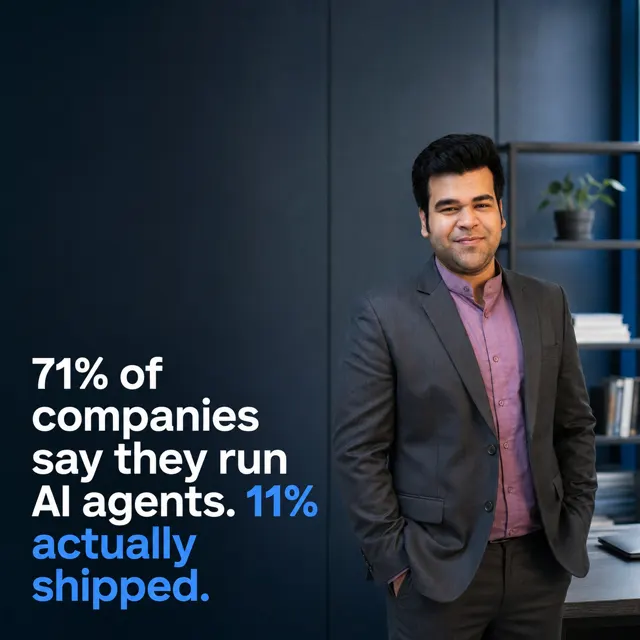
Every frame below was generated by SocialCTL from a brand kit and a one-line brief. No stock library, no shoot.






Frequently asked.
How is this different from a normal image generator?
Which models can I use?
Do the images match my brand?
Is my conversation history saved?
What do people use it for most?
Your first calendar is on us.
No card. See what a month of content for your business looks like in 60 seconds.
Build my free calendar