Five paths to a finished video.
Whether you want a slick promo, a cinematic story, a restyled clip or a model-first generation, the studio routes you to the right tool — and every path ends in a real MP4.
- One hub, five paths
- Real MP4 every time
- Schedule to 8 networks
Video studio, The SocialCTL video studio is the hub where every video path lives: Marketing for template-first promos, Cinema for cinematic narrative pieces, Shorts for video-to-video restyles, Create Video for model-first generation, and Motion Control for copying motion onto a character. Each path produces a real MP4 you can refine and schedule.
The right path fast
Pick by intent — promo, cinema, shorts, model-first or motion — instead of learning five separate tools.
AI at every step
Prompts, model routing and reprompt-to-refine mean you direct, you do not drag clips around.
Ends in publishing
Every output flows into approval and scheduling across your 8 connected networks.
Five paths, one studio.
Choose the workflow that matches the video you need — each one leads to the tool built for it.
Marketing
Template-first promos — start from a proven layout and fill it with your brand and message.
Cinema
Cinematic, narrative pieces for storytelling and hero content.
Shorts
Video-to-video restyle — drop a clip and reshape it for your feed.
Create Video
The unified, model-first generator (Seedance, Gemini, Kling, Veo).
Motion Control
Copy motion from a reference video onto a character image.
Direct, don't edit
You choose the path; AI does the assembly.
The studio's job is to get you to the finished video with the fewest decisions. You pick the path and describe the outcome; generation, model routing and rendering happen underneath.
- Intent-based — No blank timeline — start from the goal, not the tools.
- Reprompt anywhere — Refine renders with plain-English changes across the paths that support it.
- Brand carried through — Your kit follows you into every path automatically.
How the studio routes you.
Pick a path
Marketing, Cinema, Shorts, Create Video or Motion Control.
Give direction
A prompt, a template, a source clip or a character image.
Generate
The right engine renders a real MP4 for that path.
Refine & ship
Reprompt or open the reel editor, then schedule to your networks.
Real output, not stock
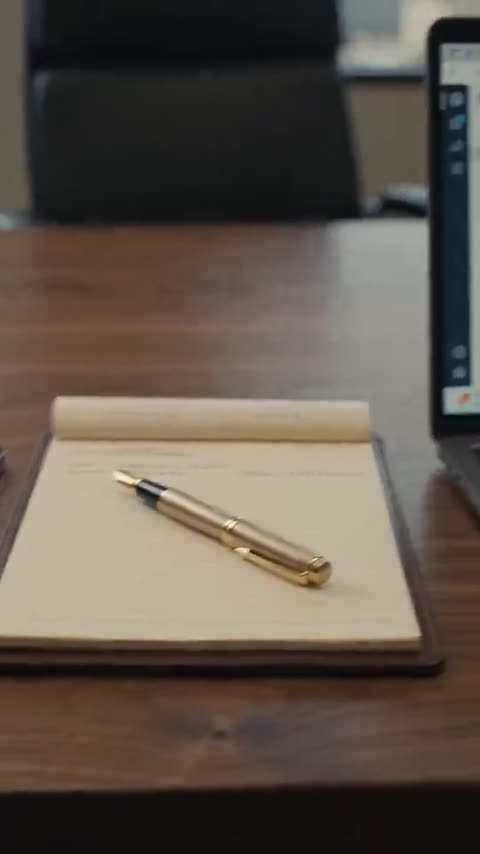
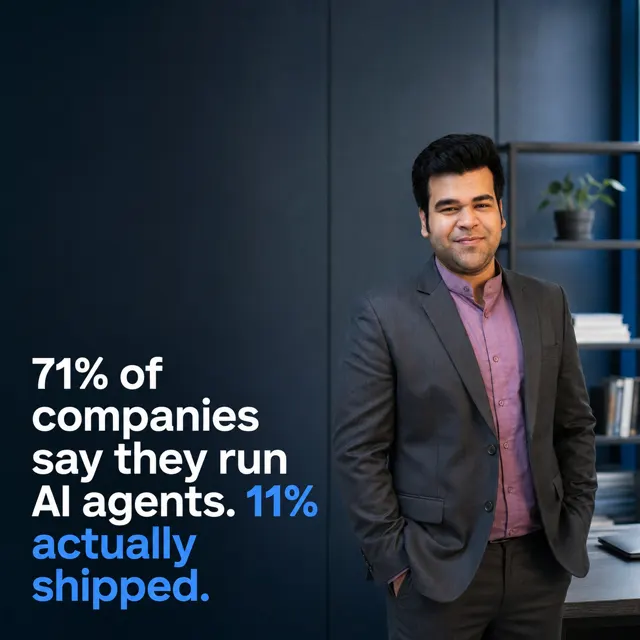
Every frame below was generated by SocialCTL from a brand kit and a one-line brief. No stock library, no shoot.





Frequently asked.
What are the five paths?
How is this different from the AI video generator page?
Which path should I use for a quick promo?
Do all paths produce a real MP4?
Can I combine paths?
Where do finished videos go?
Your first calendar is on us.
No card. See what a month of content for your business looks like in 60 seconds.
Build my free calendar