Know your industry before you post.
AI researches the live web for your industry and writes it up as a report: trends, angles and timing. Follow it once and the findings keep feeding your calendar.
- AI web-research reports
- Auto-calendar topics
- Email digests + best times
Industry trends, SocialCTL industry trends is a dashboard of AI web-research reports for your industry: what is moving, which content angles are working, and best-time data for posting. Follow an industry and fresh report topics flow into your content calendar automatically, with an email digest so you catch each new report without checking the app.
Live web research
Reports are built from current web research, not a static trends library that ages out.
Follow to auto-fill
Follow an industry and new report topics land in your content calendar as ready-to-generate ideas.
Digest to your inbox
An email digest summarises each new report, so staying current takes a skim, not a login.
Research on tap
A researcher for your niche, on a schedule.
Each report reads the current web for your industry and distils it: what people are talking about, which formats and angles are getting traction, and when audiences are active. Reports are versioned over time, so you can see how the picture shifts.
- Web-sourced — Built from live research across the web, per industry.
- Actionable form — Trends arrive as angles and topics you can post, not raw links.
- Timing included — Best-time data helps you schedule when the audience is on.
From report to posted content.
Open your dashboard
See the latest AI research report for your industry.
Follow the industry
One click subscribes you to new reports as they are produced.
Topics reach your calendar
Fresh report topics flow into your content calendar automatically.
Generate and schedule
Turn the topics into posts and schedule them at the suggested times.
What a report gives you.
Trend summary
What is moving in your industry right now, in plain language.
Content angles
Post-ready topics and angles drawn from the research.
Best-time data
Timing signals to inform when you schedule.
Calendar feed
Followed industries push topics straight into your plan.
Real output, not stock
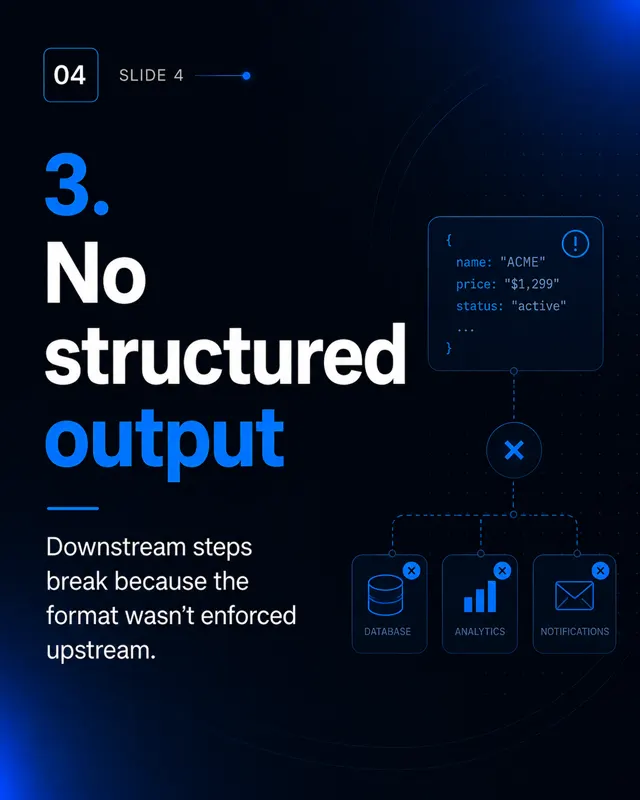
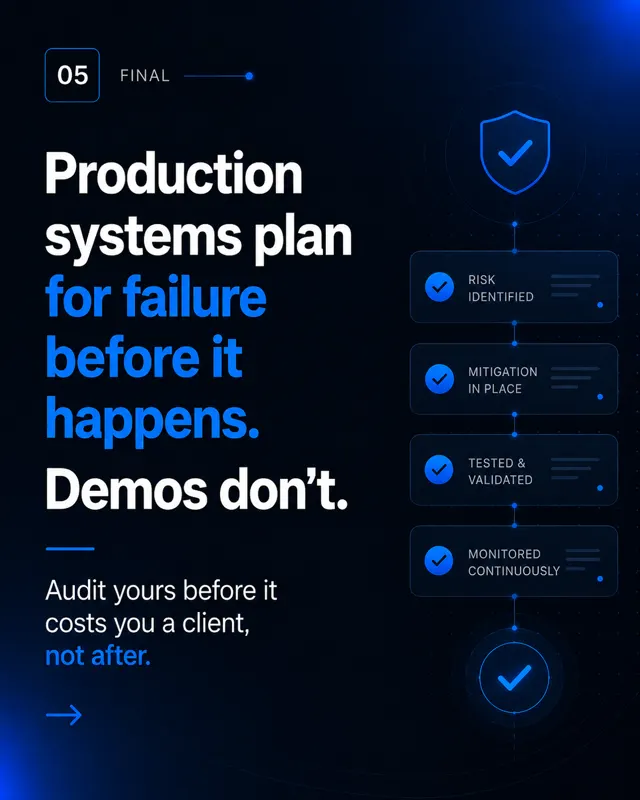
Every frame below was generated by SocialCTL from a brand kit and a one-line brief. No stock library, no shoot.
Frequently asked.
Where do the reports come from?
What happens when I follow an industry?
Is this the same as the insights feature?
What is the best-time data for?
Do I have to act on every report?
Related
Your first calendar is on us.
No card. See what a month of content for your business looks like in 60 seconds.
Build my free calendar