Leaving Buffer? Bring the queue, gain the content.
Most people do not leave Buffer because scheduling broke. They leave because the queue was always empty until they made something to put in it. SocialCTL fixes the empty-queue problem.
- Creation built in: calendar, reels, carousels, captions
- Credits track content produced, not channels connected
- Same 8-network publishing you are used to
Buffer alternative, The best Buffer alternative depends on why you are leaving. If the queue itself was fine but you were still making every post somewhere else, and paying per connected channel while you did, SocialCTL is built for exactly that switch: it generates the calendar, reels and carousels, then schedules them, with credits priced on content produced rather than channels connected.
The queue fills itself
An AI calendar drafts the month and each slot generates into a finished post.
A different meter
Buffer-style plans price per channel. SocialCTL credits price per piece of content produced.
Scheduling stays
Status, retry and a queue across 8 networks, so nothing is lost in the move.
Why people switch
The queue was never the hard part
Buffer is good software, and if pure scheduling is all you need, staying is a fair choice. The switchers we see share two frustrations. First, Buffer starts at the composer: every reel, carousel and graphic still had to be made in other tools before Buffer could queue it. Second, per-channel pricing means the bill grows with every account you connect, whether or not you post more. SocialCTL inverts both: generation is the product, and credits meter what you actually produce.
- No more content gap — Reels render as real MP4s via Remotion; carousels build themselves.
- Pay for output — Reel ~10, carousel ~4, static ~2 credits from a monthly grant.
- On-brand by default — Your brand kit shapes every generation automatically.
The migration is four steps, not a project
Connect your accounts
Link the same Instagram, Facebook, LinkedIn, YouTube, TikTok, Threads, Pinterest or Discord accounts you had in Buffer. Nothing needs exporting from Buffer itself.
Set up your brand kit
Voice, colors, logo and handles, entered once. From then on every generation is grounded in it.
Generate your first calendar
One brief becomes an editable 8-12 slot month with hooks, captions and platform picks, in about 60 seconds.
Let scheduled posts run out
Keep Buffer until its queue empties, then cancel. From day one, new content is generated and queued in SocialCTL.
What changes when you switch
| Capability | SocialCTL | Buffer |
|---|---|---|
| AI strategy / content calendar | AI drafts an 8–12 slot monthly calendar from a brief | No calendar drafting; you plan the posts yourself |
| Reel / real MP4 video generation | Real MP4 reels rendered via Remotion (9:16 / 1:1 / 16:9) | No video generation; you upload finished video |
| Carousel generation | 3–12 slide carousels, per-slide re-roll, PDF + ZIP export | No carousel generation; supports carousel posts you supply |
| Brand kit driving generation | Brand kit (voice, colors, logo, handles) feeds every generation | Brand assets for the composer; no AI generation to feed |
| Scheduling | Built-in scheduler with status, retry and an admin queue | Core strength; mature, reliable multi-network queue |
| Publishing networks | IG, Facebook, LinkedIn, YouTube, TikTok, Threads, Pinterest, Discord | Broad network coverage; per-channel plans |
| Approval workflow | No-login client approval links (7-day expiry, approve / request changes) | Approvals available on higher team plans |
| Pricing model | Subscription + credits metered on content produced | Flat subscription typically priced per connected channel |
Real output, not stock
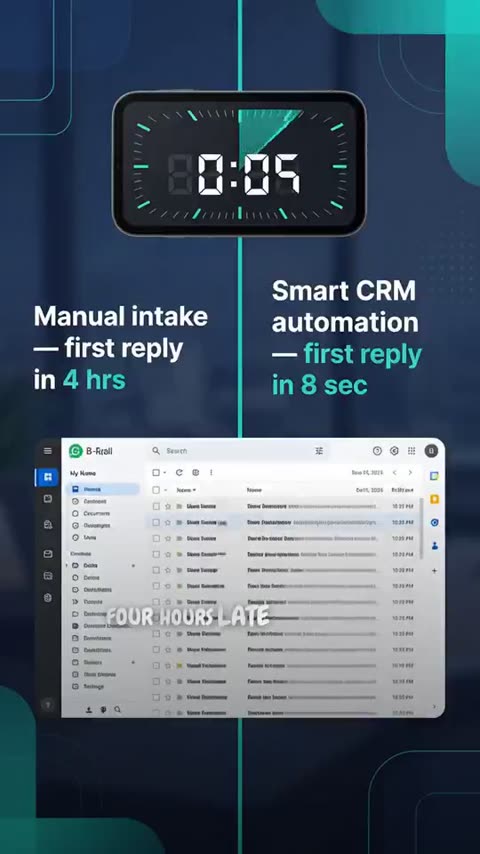
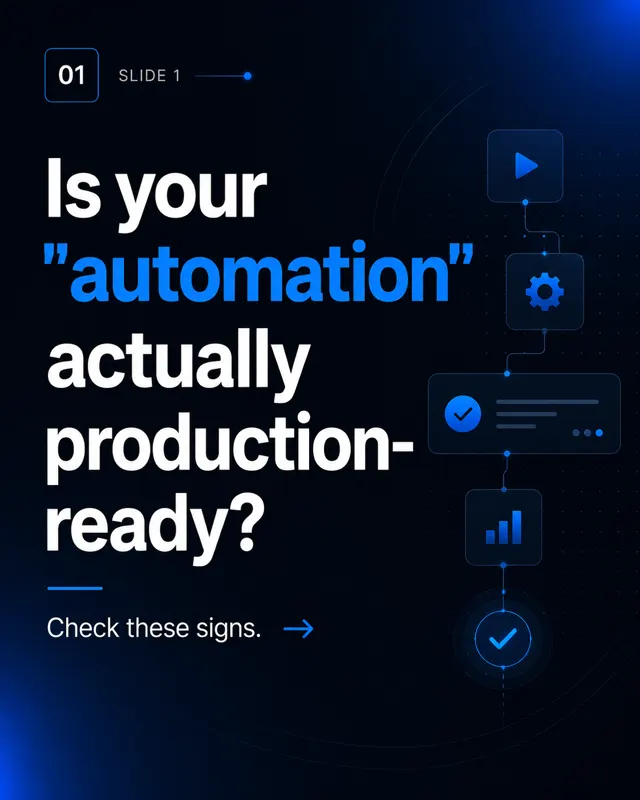
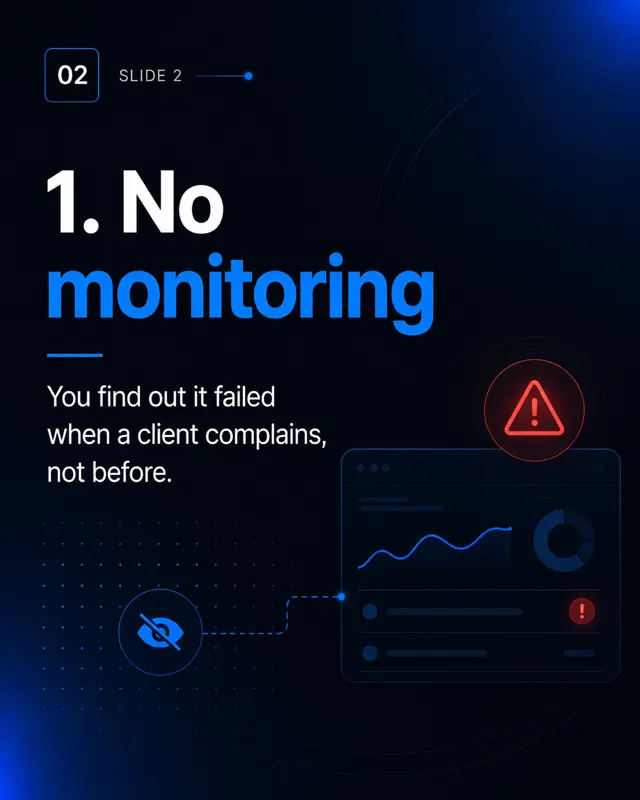
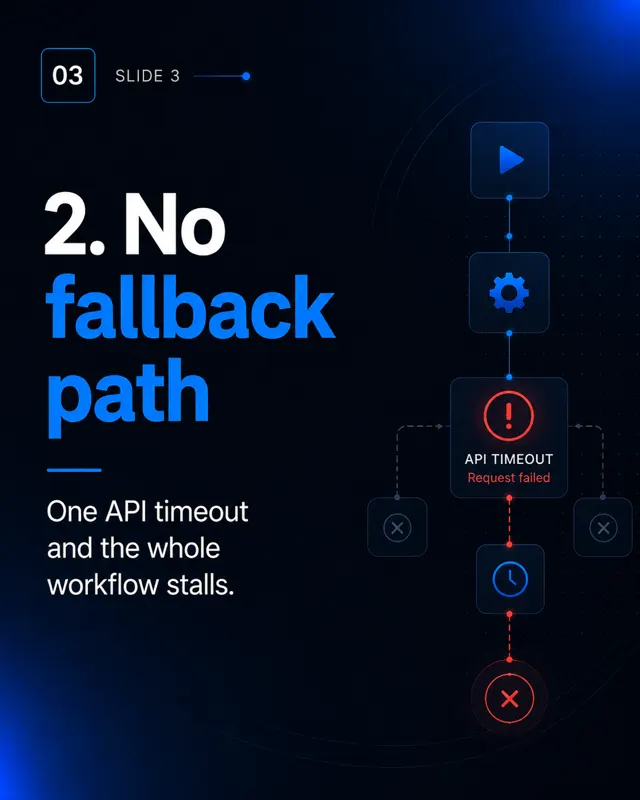
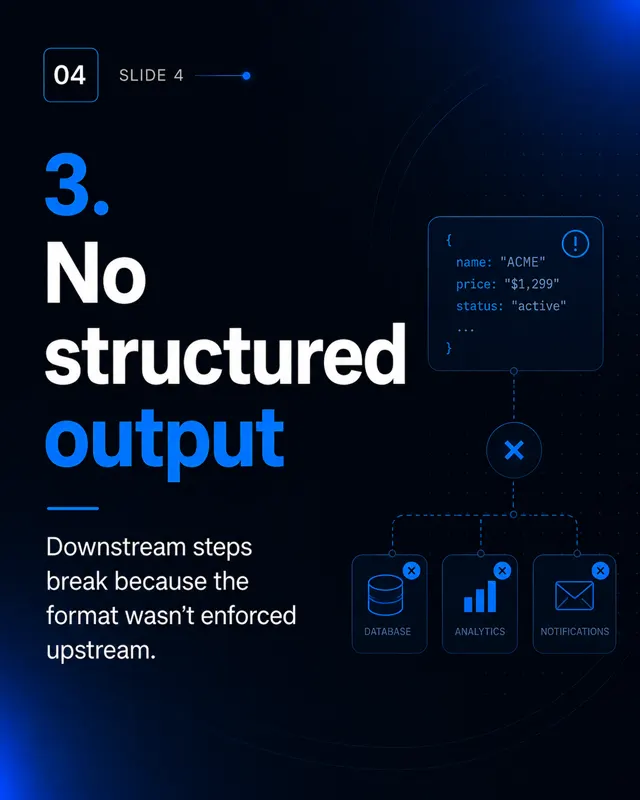
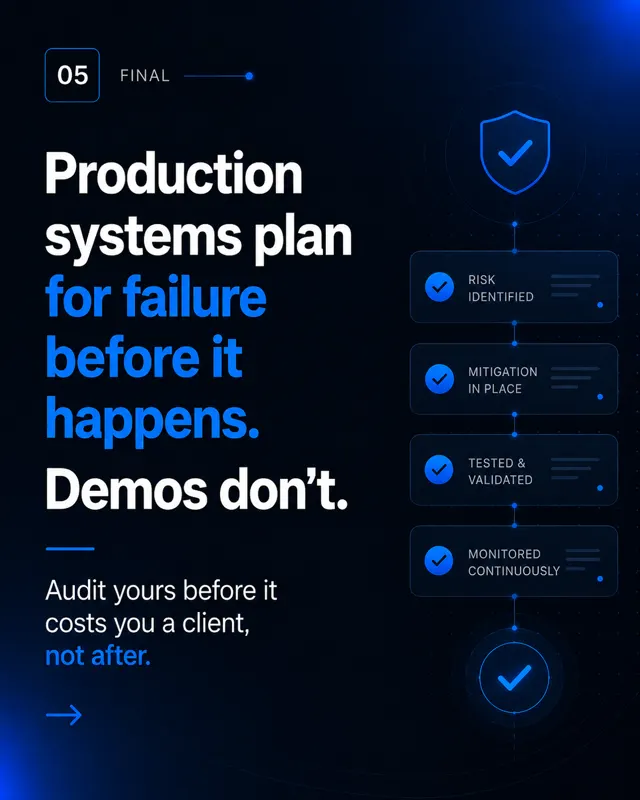
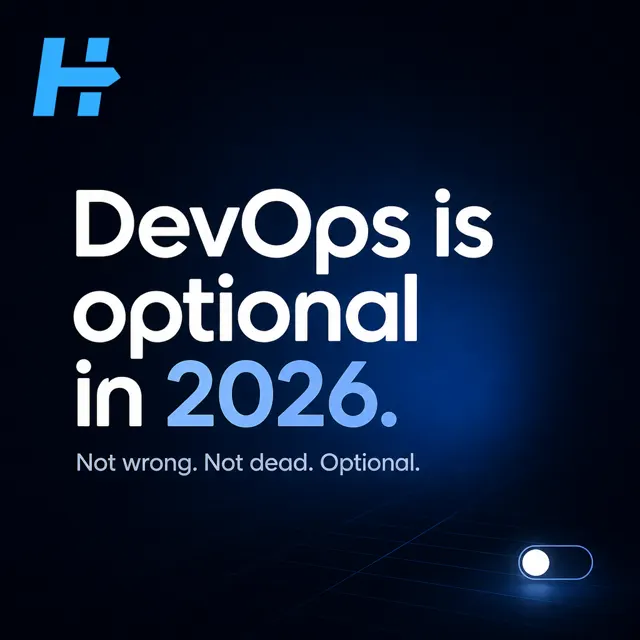
Every frame below was generated by SocialCTL from a brand kit and a one-line brief. No stock library, no shoot.
Frequently asked.
Will I lose my scheduled Buffer posts when I switch?
Is SocialCTL harder to run than Buffer?
When is staying on Buffer the right call?
How does the pricing model differ in practice?
Your first calendar is on us.
No card. See what a month of content for your business looks like in 60 seconds.
Build my free calendar